
 C:\Content\Practical Guides\How to Start a Video Podcast
How to Start a Video Podcast
August 24, 2026
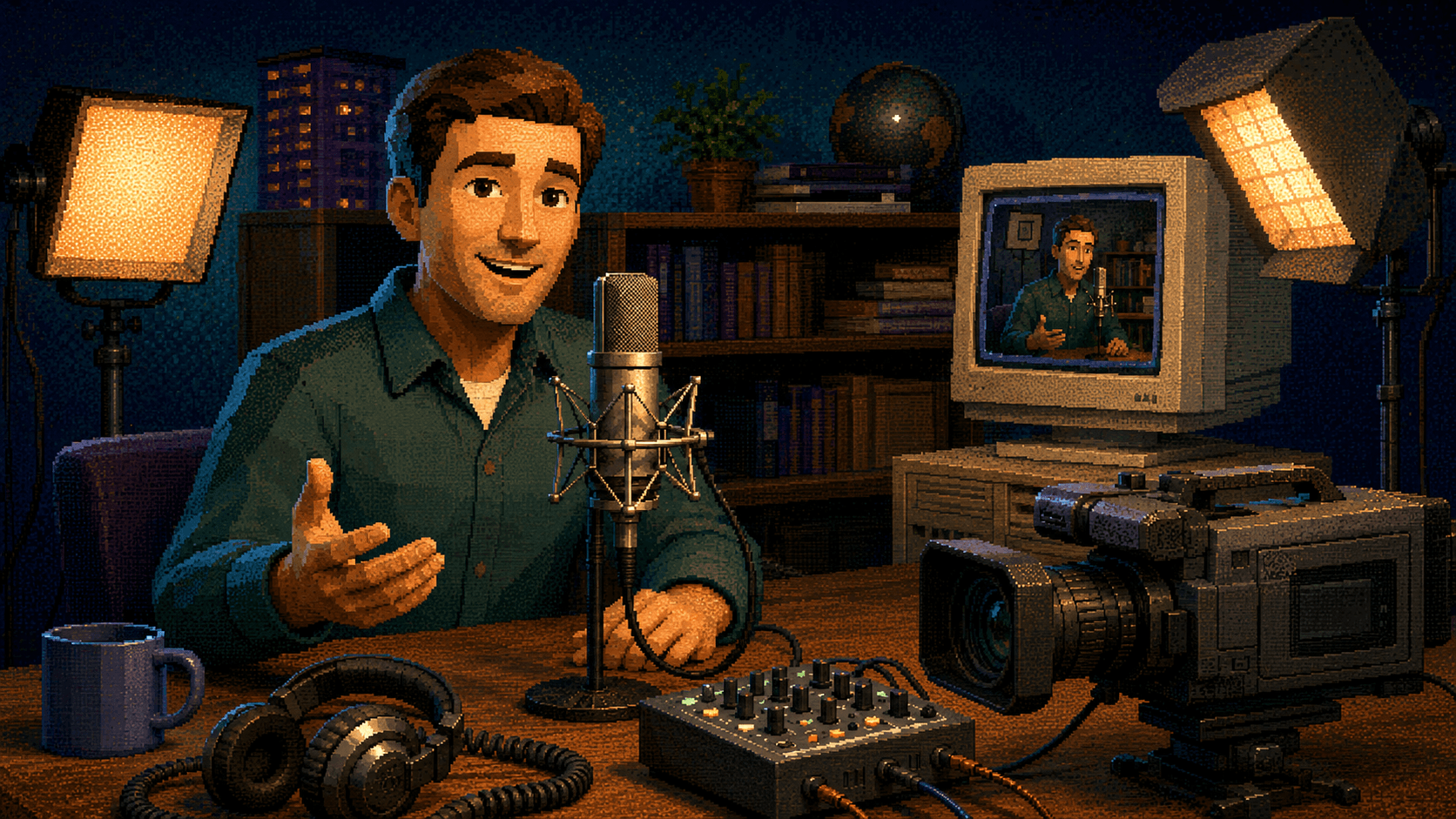
Starting a podcast is easy in the same way buying a camera is easy. You can order the equipment today, place it on a desk tomorrow, and technically have a show by the end of the week. Building a podcast that looks intentional, sounds professional, stays consistent, and gives people a reason to return is a different job.
I have been producing and distributing podcasts since 2017, from early audio experiments to complete multicamera video productions. The biggest lesson has not been that you need the most expensive microphone or the largest studio. It is that every decision has to support the same idea: what the show is, who it is for, and why it deserves to exist.
This guide explains how to start a video podcast from concept through distribution. It covers format, branding, equipment, studio design, recording, editing, publishing, and the content system around each episode. If you would rather have someone design and manage that entire process, my podcast production services bring those pieces together in one workflow.
Start With a Sustainable Show Concept
Equipment is concrete, which makes it tempting. It feels productive to compare microphones, camera bodies, switchers, lights, and acoustic panels. But no piece of hardware can answer the most important questions about your podcast.
- Who is the show for?
- What will listeners or viewers consistently get from it?
- Why are you the right person to host it?
- What makes the format recognizable?
- Can you realistically produce it on a dependable schedule?
A useful podcast concept is specific enough to create expectations but flexible enough to support many episodes. “A podcast about business” is too broad. “Honest conversations with Northeast Florida founders about the decisions that nearly broke their companies” gives the host, guest, audience, and production team something to work with.
Write a one-sentence promise for the show. Then test every creative decision against that promise. A recurring comedy podcast may benefit from a loose format and visible personality. An educational business show needs clearer structure, strong audio, and editing that protects the viewer’s time. A narrative series needs far more planning before the microphones turn on.
Choose a format you can sustain. A format is not just a creative choice; it determines the recurring workload behind every release.
Interview shows are popular because guests create variety and bring their own experience. They also introduce scheduling, research, release forms, travel, and remote-recording challenges. A solo show gives you control but places the full burden of energy and expertise on the host. A co-hosted format creates natural conversation, though it only works when both people can commit.
Decide whether episodes will be tightly structured, loosely conversational, or built around repeatable segments. Determine an approximate length, but do not treat duration as a quality target. A focused 28-minute conversation is better than a 90-minute episode that should have ended an hour earlier.
Your publishing cadence should reflect your actual capacity. Weekly is valuable only if weekly production is sustainable. Two well-produced episodes per month can build more trust than a weekly show that repeatedly disappears.
Design the Podcast as a Brand
A podcast is not only an audio file. It is a collection of experiences: the cover art someone sees in an app, the set behind the guest, the opening sequence on YouTube, the lower-third graphics, the thumbnails, the social clips, and the language used in descriptions. Those pieces should feel related.
Start with a name that is distinctive, understandable, and available. Search podcast platforms, YouTube, social networks, domain registrations, and general web results before committing. One of my earliest shows ended after a single episode because we discovered the name was already in use. That experience permanently changed how I approach concept research and branding.
Build a simple visual system around the selected name:
- A primary logo that remains readable at small sizes
- A square cover that works in podcast directories
- A restrained color palette
- One or two dependable typefaces
- Thumbnail and social-clip templates
- On-screen graphics for names, topics, and calls to action
The goal is recognition, not decoration. Viewers should be able to encounter a clip without context and recognize which show produced it. If your podcast represents a company, its identity should complement the business without becoming a copy of the corporate website.
This is also where professional photography can help. Host portraits, guest images, set photographs, and behind-the-scenes material give you a more flexible promotional library than relying on screenshots from the episode.
Build the Studio as One Connected System
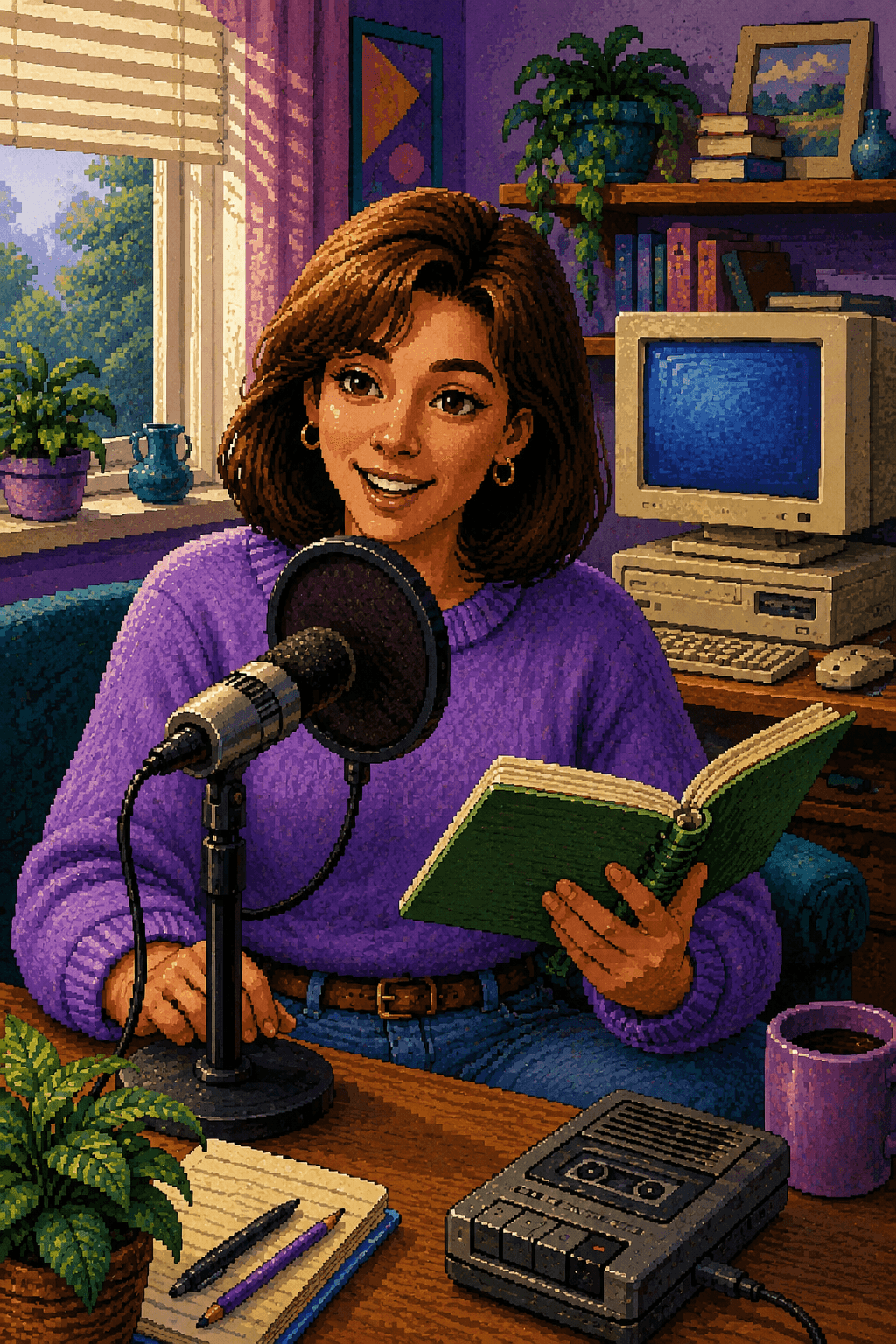
The room affects every recording before the equipment does. A beautiful empty room with hard floors, bare walls, and a high ceiling can sound terrible. A modest space with controlled reflections can sound polished.
Listen for echo, air-conditioning noise, traffic, appliances, fluorescent-light hum, and sounds from neighboring rooms. Soft furnishings, rugs, curtains, absorption panels, and thoughtful microphone placement can reduce problems. Acoustic treatment is not the same as soundproofing: treatment improves sound inside the room, while soundproofing limits sound traveling in or out and usually requires construction.
For video, look at the room as a composition. Give the subjects separation from the background. Avoid placing every chair directly against a wall. Choose practical lamps, artwork, shelving, or branded elements that add depth without creating clutter. Plan where light stands, cameras, power cables, and crew members will go before installing a large table that leaves no room to work.
A permanent studio should reduce setup time. Mark positions, label cables, save camera and audio settings, and keep frequently used equipment connected. The fewer variables you rebuild before every episode, the more energy you can spend on the conversation.
Build a sensible audio system
People will forgive an imperfect image sooner than audio that is difficult to understand. A podcast should be comfortable to hear through headphones, a phone speaker, a television, or a car system.
Dynamic broadcast-style microphones are common because they can reject more room sound than many sensitive condenser microphones. The specific model matters less than consistent placement. Keep each microphone close enough to capture a strong voice, position it so it does not block the guest’s face, and teach everyone not to drift several feet away while speaking.
Each person needs an individual input on a reliable recorder, mixer, or audio interface. Recording separate tracks gives the editor control over levels, noise, interruptions, and processing. Choose closed-back headphones when monitoring is necessary, and make sure the host or producer can hear clipping, cable failures, and unexpected noise during the session.
Always record a backup when the production matters. A secondary recorder, a safety track at a lower level, or audio sent to a camera can save an episode when the primary recording fails. Test the complete signal path before the guest arrives. A microphone visible on screen is not proof that it is actually being recorded.
Audio quality comes from habits. The best equipment still depends on a disciplined setup and a host who understands how to use it.
Good sound depends on repeatable practices: microphones placed consistently, levels checked with real speaking voices, phones silenced, noisy jewelry removed, water available, and a few seconds of room tone captured for editing. These steps cost almost nothing and often matter more than upgrading equipment.
Choose cameras for the production you actually have
A simple video podcast can work with one carefully framed camera. A two-person conversation becomes more flexible with a wide shot and individual angles for the host and guest. More cameras create editing options, but they also create more files, batteries, memory cards, matching work, and failure points.
For a multicamera show, cameras should match closely in resolution, frame rate, shutter settings, white balance, and picture profile. Automatic white balance can shift during a long conversation and make the edit visibly inconsistent. Continuous power is preferable for permanent installations, and every camera should be checked for recording limits and heat behavior before a long session.
Composition should protect both the full episode and the short-form clips that will come later. Leave appropriate headroom, avoid distracting objects intersecting with faces, and consider whether a centered or slightly wider composition can be adapted vertically. This does not mean sacrificing the main 16:9 production for social media. It means planning enough flexibility into the frame.
If the visual production is becoming complex, a dedicated video production workflow can coordinate cameras, lighting, audio, media management, and post-production instead of treating each system as a separate problem.
Light people, not just the room
Overhead room lighting is rarely flattering. A basic interview setup usually benefits from a soft key light for each subject, controlled fill, and some separation from the background. The exact arrangement depends on the set, camera positions, skin tones, glasses, and whether subjects turn toward one another.
Keep the lighting intentional and consistent across episodes. Mixed color temperatures can make skin tones difficult to correct. Bright practical lamps may look attractive in the room but become distracting white blobs on camera. Reflections in glasses, artwork, screens, and tables should be addressed before recording.
Lighting also communicates the personality of a show. A financial interview series may need a clean, restrained look. A comedy show can use more color and contrast. The set for Los Rotos Podcast was built like a recognizable television environment because the visual identity was part of the show, not an afterthought.
Create a Repeatable Preproduction and Recording Process
A strong conversation can feel spontaneous while still being prepared. Preproduction prevents the episode from becoming a collection of disconnected questions.
For every recording, create a short episode brief containing:
- The central topic and desired audience takeaway
- Guest biography, pronunciation notes, and relevant links
- Primary questions and possible follow-up paths
- Topics that require verification or should be avoided
- The planned introduction and closing call to action
- Promotional moments or demonstrations that require visual coverage
Send guests a practical preparation message. Include the location, arrival time, expected duration, wardrobe guidance, parking instructions, release information, and what the conversation will cover. For remote guests, include a connection test, microphone recommendations, camera placement guidance, and instructions for reducing interruptions.
Do not script every answer. Prepare the structure well enough that the host can listen instead of staring at the next question. The best follow-up often comes from something the guest just said.
Use a recording checklist every time
Memory is not a production system. A written checklist protects the episode when the schedule is tight or the room is busy.
- Confirm camera resolution, frame rate, exposure, focus, white balance, power, and storage.
- Confirm every microphone is reaching the correct isolated track.
- Record a speaking-level sound check from every participant.
- Check the background, reflections, clothing, microphone placement, and chair positions.
- Start all primary and backup recordings.
- Verify timers are moving and audio meters remain active.
- Capture a clear synchronization clap when needed.
- Record room tone and any clean visual plates required for editing.
At the end, do not immediately dismantle the set. Confirm that files exist, spot-check playback, and copy media to the intended storage system. A recording is not secure merely because it appeared to work in the moment.
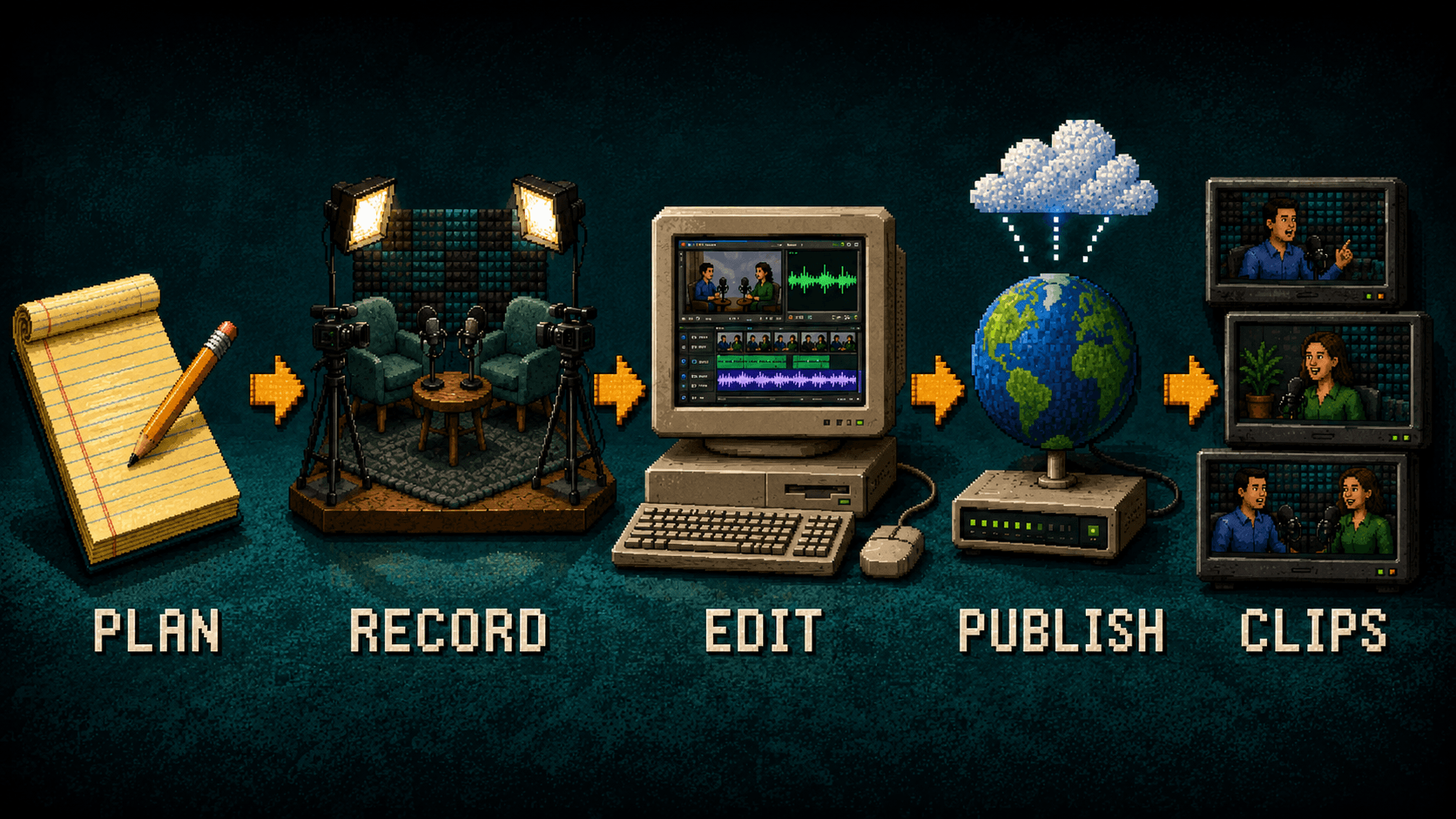
Edit for Attention, Clarity, and Trust
Podcast editing is not about removing every breath or making every conversation unnaturally fast. It is about protecting the audience’s attention while preserving the people in the room.
Begin with the content edit. Remove false starts, irrelevant detours, repeated explanations, long technical interruptions, and sections that weaken the episode. Then refine the audio: balance voices, reduce distracting noise, control harsh frequencies when necessary, and create consistent loudness without crushing the natural dynamics.
For multicamera video, use angle changes to support the conversation. Cut to the listener when a reaction matters. Hold a wider shot when body language between people adds context. Avoid switching cameras every few seconds simply because another angle exists.
Color correction should make the cameras feel like one production. Add the intro, lower thirds, music, graphics, captions, and end screen according to the brand system. Review the complete episode for technical errors, spelling, sensitive information, and edits that accidentally change meaning.
Plan Distribution and Repurposing Together
Distribution should not begin after the final export. Decide where the show will live while designing it.
An audio podcast generally needs a hosting platform that creates an RSS feed. That feed supplies episodes and show information to listening platforms. Video can be published separately to YouTube, while clips can be adapted for other channels. Keep master files and project files organized so descriptions, captions, artwork, and alternate exports do not become scattered across different computers.
Every episode needs a useful title and description. Lead with the actual subject or audience benefit rather than an internal episode number. Include the guest’s name when it has search or recognition value. Add relevant links, credits, calls to action, and chapters when they improve navigation.
Your website should also have a place for the show. An episode page or supporting article creates an owned destination where you can embed the video, provide a summary or transcript, and connect the topic to the rest of your work. Thoughtful search optimization helps those pages answer real questions instead of existing only as another embedded player.
Turn each episode into a content system
The full episode is only one asset. A planned production can also create short clips, vertical videos, quote graphics, still images, audiograms, email material, blog sections, and follow-up posts.
Identify moments that can stand on their own. A good short clip has enough context to be understood by someone who has never seen the show. It should deliver an idea, story, tension, or useful answer—not merely stop after 30 seconds because a platform favors short videos.
Create clips for the channels where your audience already spends time. Format captions, framing, pacing, and calls to action for the destination rather than exporting the same file everywhere. A dependable social media content strategy connects those clips to a larger publishing plan and gives the episode a longer useful life.
Track what people actually respond to. Watch retention, comments, saves, shares, search traffic, and the conversations that lead to inquiries. The goal is not to chase every metric. It is to learn which topics, guests, formats, and openings earn attention from the right audience.
Budget for the Entire Show
The equipment purchase is only part of the cost. A realistic budget may include concept development, research, branding, set design, acoustic treatment, hardware, installation, guest coordination, recording, editing, graphics, music licensing, hosting, captions, thumbnails, clips, storage, backups, and distribution.
Decide which work should be handled internally and which requires a specialist. A company with an experienced marketing team may only need studio installation and production support. A founder launching a show alone may need help creating the identity, operating the equipment, editing episodes, and building the distribution system.
Spend first on reliability and repeatability. Clean audio, controlled light, consistent files, and a workable schedule are more valuable than a dramatic piece of equipment that complicates every session.
The following planning matrix is more useful than a universal equipment-price claim because production needs change with the format. Use it to identify where complexity enters the workflow before committing to purchases.
A lean production is not an inferior version of a studio show. It is a different operating model. Choose the smallest model that can deliver the audience promise consistently, then add complexity only when it creates a visible or measurable benefit.
Avoid the Mistakes That End Shows Early
- Buying gear before defining the format: A studio built for four guests is wasteful if the show becomes a solo commentary series. Define the recurring production before choosing the system.
- Ignoring the room: Expensive microphones still capture echo, air conditioning, and traffic. Treat the environment as part of the audio chain.
- Creating a schedule nobody can maintain: An ambitious launch followed by silence erodes trust. Build a small episode buffer and choose a cadence your team can support.
- Recording without backups: Cards fail, cables disconnect, software crashes, and people accidentally change settings. Important productions need redundancy.
- Treating clips as an afterthought: Short-form material is stronger when camera composition, set design, and episode structure anticipate it.
- Publishing without a reason to return: A guest’s audience may create one spike. A recognizable promise, dependable format, and useful follow-up are what build a show.
Frequently Asked Questions About Starting a Video Podcast
Do I need a professional studio?
No. You need a controlled, dependable environment. A home, office, rented studio, or permanent production space can work when sound, lighting, power, camera placement, and interruptions are managed.
How many cameras should a video podcast use?
One camera can launch a strong show. A two-person interview commonly benefits from three angles: a wide shot and one close shot for each person. Add cameras only when the production can manage the additional recording and editing work reliably.
Should I record audio and video separately?
Recording isolated audio tracks separately from camera files provides more control and often better quality. Camera audio can serve as a reference or backup. The files must be synchronized and organized carefully in post-production.
How long should an episode be?
Long enough to fulfill the episode’s promise and no longer. Format, audience, topic, and distribution channel all matter. Consistent value is more important than reaching a predetermined minute count.
Should I livestream the podcast?
Livestreaming can add audience interaction and reduce the delay between recording and release, but it also removes many editing options and adds technical risk. Establish a dependable recorded workflow first unless live participation is central to the concept. When live delivery is the point, professional livestream production planning can reduce those risks.
How far ahead should I record?
A small buffer of completed episodes helps protect the release schedule from cancellations, illness, travel, or editing delays. News-driven shows may need a shorter turnaround, while evergreen interview and educational programs can record farther ahead.
Build a Podcast You Can Keep Building
The strongest podcast is not the one with the longest equipment list. It is the one with a clear idea, a recognizable presentation, reliable production, and a process the people involved can repeat.
Start with the audience promise. Design the format and brand around it. Build a room and equipment system that reduces friction. Prepare every episode, protect every recording, edit with purpose, and plan distribution before the cameras roll. Then use each episode to create a larger body of work instead of letting it disappear into a feed.
If you are developing a new show, improving an existing setup, or building a permanent studio in Jacksonville, I can help with concept development, branding, equipment selection, studio installation, multicamera production, editing, clips, and distribution. Explore my Jacksonville podcast production work and get in touch to discuss what your show needs.
AI-generated illustration of a complete video podcast studio, created in a dithered 1990s graphic-adventure game style. Starting a podcast is easy in the same way buying a camera is easy. You can order the equipment today, place it on a desk tomorrow, and technically have a show by the end of the week. Building a podcast that looks intentional, sounds professional, stays consistent, and gives people a reason to return is a different job. I have been producing and distributing podcasts since 2017, from early audio experiments to complete multicamera video productions. The biggest lesson has not been that you need the most expensive microphone or the largest studio. It is that every decision h...
Start a new thread