
 C:\Content\Practical Guides\Livestream Production Checklist for Events and Organizations
Livestream Production Checklist for Events and Organizations
September 22, 2026
A livestream can look simple from the audience’s side: click a link, watch an event. Behind that link is a live production system with no pause button. Cameras, microphones, graphics, presenters, venue internet, platform settings, power, recording, and communication all have to work together in real time.
The safest way to approach a livestream is not as “a camera pointed at an event,” but as a broadcast with a defined audience, technical plan, run of show, and recovery options. This checklist is designed for businesses, nonprofits, conferences, churches, schools, associations, and other Jacksonville organizations planning a professional live event.
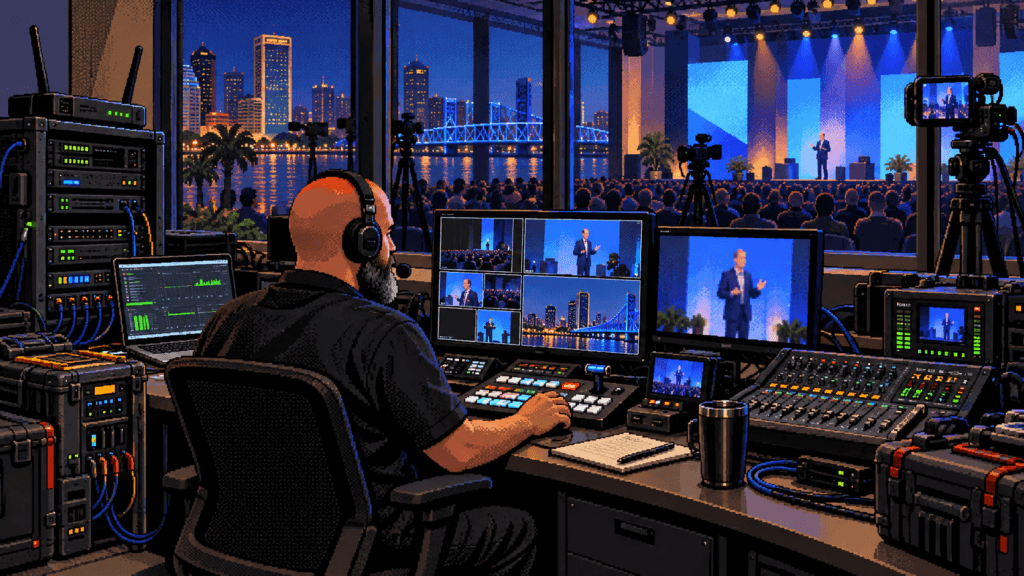
1. Define what success means
Start with the event objective. Are you reaching people who cannot attend, selling access, training employees, generating leads, documenting a public meeting, or creating an archive? The answer determines the platform, staffing, camera coverage, viewer interaction, and post-event deliverables.
- Identify the live audience and the remote audience.
- Choose the primary call to action.
- Estimate viewing conditions: phones, computers, conference rooms, or televisions.
- Decide whether the stream is public, unlisted, private, ticketed, or embedded.
- Choose how long the replay should remain available.
- Define who can approve on-screen content and last-minute changes.
2. Confirm the platform and account access
Do not wait until event day to discover that the account cannot livestream, the channel requires verification, or a staff member with the password is unavailable. Confirm the destination early and run a private test from the actual account.
Check event title, description, thumbnail, privacy, scheduling, moderation, captions, embedding, and replay settings. If the stream will appear on a website, test the embedded player on desktop and mobile. YouTube maintains official guidance for encoder and live-stream settings; use the current platform documentation rather than relying on an old screenshot or remembered preset.
3. Survey the venue
A site visit can prevent hours of event-day improvisation. Walk the camera positions, cable routes, control area, stage, entrances, power locations, and loading path. Note windows, reflective surfaces, air-conditioning noise, audience traffic, and restrictions on tripods or taped cables.
Confirm exactly where the production team can set up and whether the space will change between rehearsal and show time. A ballroom that looks empty during planning may be filled later with sponsor signs, catering stations, or hundreds of chairs.
4. Treat internet as production infrastructure
A fast speed test is useful, but stability matters as much as the peak number. Whenever possible, use a dedicated wired connection rather than shared guest Wi-Fi. Ask the venue’s network contact whether traffic is filtered, whether outbound streaming is restricted, and whether event attendees will share the same connection.
- Test from the exact control position.
- Run repeated tests at different times.
- Verify upload performance and stability.
- Keep a backup connection appropriate to the event.
- Prevent automatic updates and cloud backups on production devices.
- Document network contacts and escalation procedures.
5. Build redundancy around the expensive failures
Not every cable needs a twin, but the single points of failure deserve attention. If one adapter, power strip, encoder, microphone, or internet path can end the broadcast, decide what the recovery plan will be.
| Risk | Primary plan | Recovery plan |
|---|---|---|
| Internet interruption | Dedicated wired network | Secondary connection or local recording |
| Power loss | Verified circuits and conditioned power | Battery backup for critical control gear |
| Microphone failure | Tested primary microphone | Ready spare or alternate audio source |
| Encoder/computer problem | Configured production system | Backup device or simplified stream path |
| Platform issue | Scheduled and tested destination | Alternate destination and audience message |
| Operator communication | Headsets or clear comms | Written cues and designated runner |
6. Prioritize audio
Viewers will tolerate a less-than-perfect camera angle longer than unintelligible sound. Identify every speaking position, playback source, remote guest, audience question, and performance input. Decide whether the livestream receives a dedicated mix or a feed from the venue system.
A room mix is designed for people physically present and may not translate to the broadcast. The online audience needs consistent speech levels, controlled music, and clear transitions. Monitor the actual outgoing feed with headphones rather than assuming that movement on a meter means the sound is good.
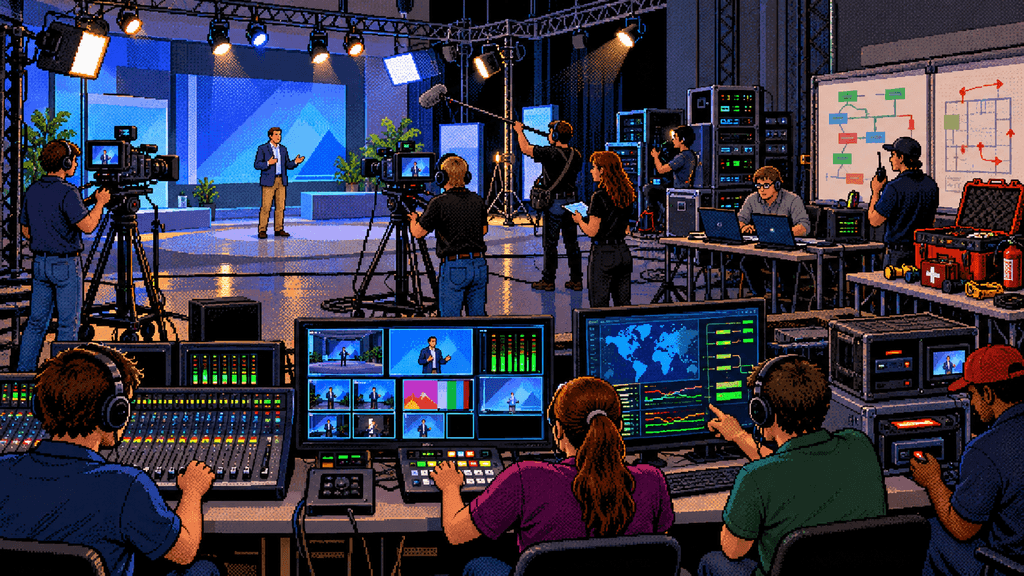
7. Design camera coverage around the program
Camera count should follow the content. A single locked shot may be enough for a simple presentation. A panel, demonstration, performance, or awards program may need wide coverage, close speakers, audience reactions, and detail angles.
Protect one safe shot that can remain on screen while another camera reframes. Confirm exposure, focus, white balance, frame rate, and matching color before the room fills. Plan for sightlines so audience members and staff do not repeatedly block the cameras.
8. Light for cameras and people
Event lighting can look dramatic in person and still produce dark faces, extreme color, or flicker on camera. Test the final stage look through the production cameras. Coordinate with the venue or lighting team before moving fixtures or changing programmed cues.
If additional lighting is needed, consider audience comfort, presenter movement, power, heat, safety, and the appearance of screens or projected content. The objective is not to flatten the room; it is to keep important faces and actions readable.
9. Prepare graphics and playback
Collect titles, names, logos, sponsor graphics, slides, videos, music, countdowns, and holding screens early. Verify spelling and pronunciation. Build a consistent graphic package and decide who can request changes.
- Opening countdown or holding slide.
- Event title and organization identity.
- Speaker names and roles.
- Agenda or segment titles.
- Break and “we’ll be right back” screens.
- Call-to-action and contact information.
- Closing slate and replay message.
Play every media file on the actual production system. Confirm audio routing and aspect ratio. A video that works on one laptop may use a codec or resolution that behaves differently in the live workflow.
10. Assign production roles
A producer cannot simultaneously direct cameras, mix audio, troubleshoot the network, update graphics, coordinate presenters, and moderate chat well. Small events may combine roles, but ownership should still be explicit.
| Role | Primary responsibility |
|---|---|
| Producer/director | Run of show, decisions, timing, and communication |
| Technical director/stream operator | Switching, encoder, platform health, and recording |
| Audio operator | Microphones, playback, mix, and monitoring |
| Camera operator | Framing, focus, movement, and visual coverage |
| Graphics/playback | Titles, slides, video rolls, and cues |
| Stage manager | Presenters, microphones, timing, and stage changes |
| Moderator | Chat, questions, links, and viewer support |
11. Write a real run of show
The run of show should identify start times, durations, speakers, camera notes, graphics, playback, audio changes, calls to action, and contingency decisions. It is the shared map for the production team.
Include time before the public start for a holding screen and audio. Mark anything that cannot move, such as a remote guest or satellite media availability. Give one person authority to decide what gets shortened when the event runs late.
12. Rehearse transitions, not only speeches
A full rehearsal is ideal, but at minimum rehearse the points where systems interact: opening the stream, bringing up the first speaker, rolling a video, switching to remote guests, taking questions, entering a break, returning from the break, and closing.
Test the exact microphones, slides, videos, graphics, platform links, and remote connections. A verbal promise that “it worked last week” is not a test.
Event-day go-live checklist
- Verify power, network, and backup paths.
- Confirm every camera and audio source.
- Check final white balance, focus, and exposure.
- Record a short test and review picture and sound.
- Confirm stream title, privacy, thumbnail, and destination.
- Load final graphics and playback files.
- Start local recording before the public program.
- Open the stream early with an approved holding screen.
- Monitor the public player on a separate device and connection.
- Keep platform, venue, and decision-maker contacts available.
During and after the livestream
During the event, monitor audio, picture, encoder health, platform warnings, viewer feedback, and local recording. Keep a simple incident log so any problem can be diagnosed later. Avoid making several simultaneous changes when one controlled adjustment will do.
After the closing slate, confirm the stream has ended on every destination. Stop and verify local recordings before disconnecting equipment. Save platform analytics, export chat or questions when appropriate, and create redundant backups. Review the program for chapters, clips, captions, corrections, and a clean replay.
Build a stream the organization can trust
A professional livestream is successful when the audience can focus on the event rather than the technology. That requires preparation, clear responsibilities, tested backups, and disciplined execution.
If your Jacksonville organization needs help planning or producing a conference, panel, performance, training, meeting, or podcast livestream, explore my livestream production services, video production work, and podcast production experience. I can help build a practical plan that protects the live moment and creates useful content after it ends.
A livestream can look simple from the audience’s side: click a link, watch an event. Behind that link is a live production system with no pause button. Cameras, microphones, graphics, presenters, venue internet, platform settings, power, recording, and communication all have to work together in real time. The safest way to approach a livestream is not as “a camera pointed at an event,” but as a broadcast with a defined audience, technical plan, run of show, and recovery options. This checklist is designed for businesses, nonprofits, conferences, churches, schools, associations, and other Jacksonville organizations planning a professional live event. 1. Define what success means Start with th...
Start a new thread