
 C:\Content\Practical Guides\Podcast Video vs. Audio Only: Which Format Should You Choose?
Podcast Video vs. Audio Only: Which Format Should You Choose?
November 16, 2026
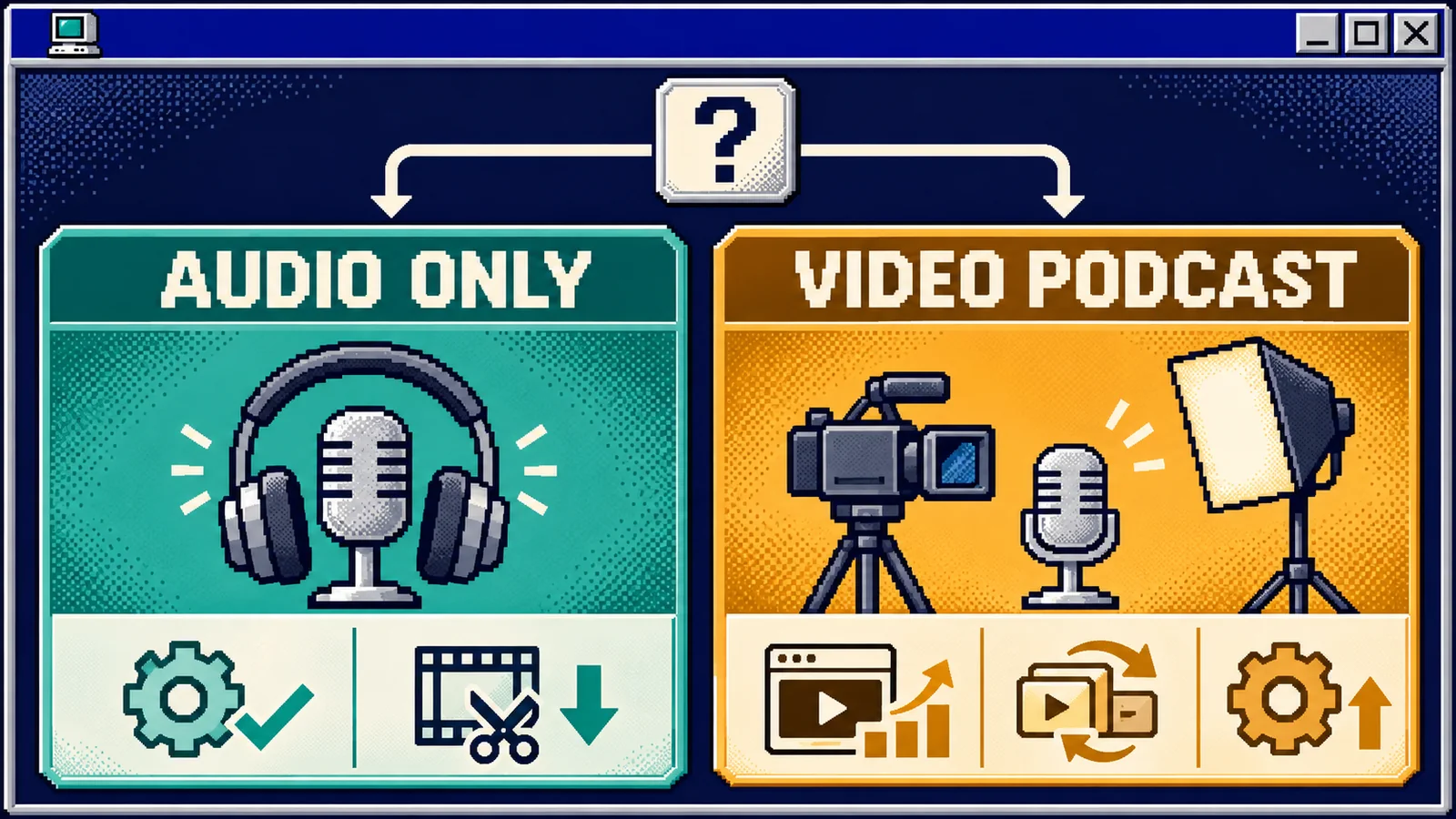
For a long time, starting a podcast meant making one major decision: what are we going to talk about? Now there is another question sitting right behind it: should people only hear the show, or should they be able to watch it too?
The answer is not automatically “video.” A camera can expand what a podcast becomes, but it can also add enough work to make a good idea harder to sustain. Audio-only is not an outdated version of podcasting, and video is not simply an upgrade you add because every platform seems to want it. They are two production models with different strengths, costs, workflows, and audience habits.
I have worked across television, video production, livestreaming, digital content, and podcast production long enough to see a familiar mistake repeat itself: people choose the most impressive format before they choose the format they can actually produce well. A polished video podcast can create a strong library of long-form episodes, searchable videos, social clips, and still images. A focused audio show can be more intimate, flexible, affordable, and consistent. The right choice is the one that supports the idea, the audience, and the production system behind it.
The short answer: choose the simplest format that delivers the experience
If the value of your show lives almost entirely in the conversation, and your audience is likely to listen while driving, exercising, working, or doing chores, audio-only may be enough. If facial expressions, demonstrations, products, locations, visual evidence, or the personalities in the room are part of the value, video deserves serious consideration.
There is also a practical middle ground. You can build an excellent audio show in a camera-ready room, record occasional video episodes, or start with one well-framed camera instead of a full multi-camera production. The decision does not have to be permanent. It does need to be intentional.
What actually changes when you add video?
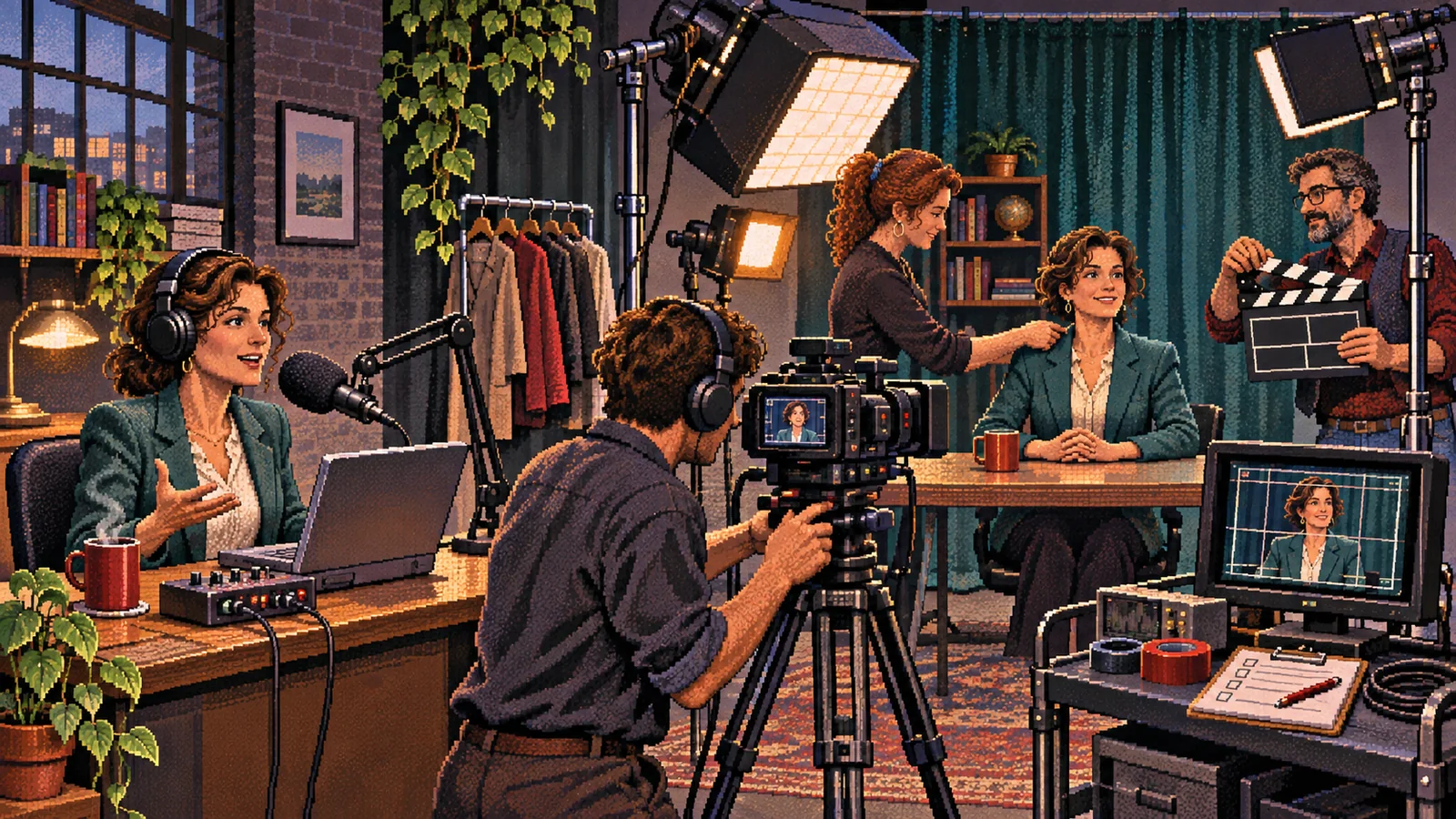
The microphone does not become less important. In fact, the audio still has to work when the listener never looks at a screen. What changes is that every decision now has a visual consequence. The room, background, lighting, camera position, wardrobe, eye line, posture, guest placement, table layout, and even where water bottles sit become part of the show.
An audio-only recording can happen in a treated office, a portable setup, or a room that sounds good even if it would never look good on camera. A video podcast needs a space that works in two dimensions at once: it has to sound controlled and look intentional. That usually means more setup time, more equipment, more file management, more synchronization, more editing decisions, and more quality-control checks before an episode is ready.
That extra work can be valuable because the output is larger. A single video podcast session can produce a full episode for YouTube, an audio episode for traditional podcast apps, vertical clips, horizontal excerpts, quote graphics, thumbnails, still photographs, teaser videos, and short answers that can live on their own. My guide to turning one video shoot into a month of social content explains how to plan that kind of capture system. But the opportunity only matters if someone has the time and process to finish the work.
Where audio-only podcasting is still the better choice
Audio is powerful because it asks less of the audience. A listener does not need to sit in front of a screen or give the show their full visual attention. That makes audio especially well suited to thoughtful conversations, interviews, narrative storytelling, education, commentary, and shows designed to become part of a weekly routine.
It also asks less of the host and guest. People who become stiff as soon as a camera appears may speak more naturally when the visual pressure is removed. Remote guests can join from more locations. Recording can be scheduled more flexibly. Editing can focus on clarity, pacing, content, and sound rather than cutting around every glance, gesture, focus issue, or camera problem.
- Consistency is the main challenge. If video would turn a weekly show into a monthly show, audio may create more long-term value.
- The subject does not need to be seen. Strong ideas, reporting, interviews, and stories can carry an episode without visual support.
- The show depends on intimacy. Audio can feel direct and personal, especially when the production is clean and the host knows how to speak to one listener.
- The budget should go into research or booking. A better guest, stronger preparation, or professional audio editing may improve the show more than cameras would.
- The production needs to travel. A compact microphone and recorder are easier to take into offices, homes, events, or field locations than a complete video kit.
Audio-only also does not mean invisible. You still need cover art, episode titles, descriptions, a useful website, transcripts or written summaries, and a distribution plan. You can create promotional video without filming the entire episode. A host can record a short camera introduction, a guest can answer one additional question on video, or the team can build visual clips around the best audio moments.
Where a video podcast earns the extra effort
Video becomes valuable when seeing the conversation changes the experience. Comedy, chemistry, emotion, demonstrations, reactions, body language, and physical objects can all lose something when they are reduced to sound. For a business, video also lets potential customers spend time with the people behind the company. They can see how someone explains a difficult subject, treats a guest, listens, and responds. That can build familiarity before the first call or meeting.
Video is especially useful when the podcast is meant to support a broader content strategy. A good long-form episode can become the source material for YouTube, LinkedIn, Instagram, Facebook, TikTok, a blog article, an email, sales follow-up, and internal education. The visual recording gives editors more ways to create pieces that feel native to each destination instead of posting the same audio waveform everywhere.
Platform behavior matters too. YouTube’s official podcast guidance says that every podcast episode on YouTube is represented by a video; an MP3 by itself cannot be added as a YouTube podcast episode. YouTube can also ingest eligible audio-first RSS feeds and create static-image videos, according to its RSS delivery documentation. That gives audio shows a path onto YouTube, but a deliberately filmed episode gives the platform an actual visual experience rather than a placeholder.
Spotify for Creators supports uploaded video episodes and makes the audio from those episodes available through the show’s RSS feed. Apple also supports video podcasts; its video podcast documentation explains distribution through dedicated RSS feeds and supported video formats. The important takeaway is not that every platform works the same way. It is that a producer needs to decide where each version lives and how the audience will experience it before building the workflow.
A practical comparison
| Decision factor | Audio only | Video podcast |
|---|---|---|
| Audience experience | Easy to consume while multitasking | Can be watched or heard; adds expression and visual context |
| Recording space | Must sound controlled | Must sound controlled and look intentional |
| Equipment | Microphones, recorder or interface, headphones | Audio equipment plus cameras, lenses, lighting, support, monitoring, and media |
| Guest preparation | Topic, timing, and microphone technique | Also includes wardrobe, framing, posture, eye line, and on-camera comfort |
| Post-production | Audio cleanup, pacing, mix, metadata | Audio work plus syncing, camera edits, color, graphics, captions, and exports |
| Repurposing | Audiograms, quotes, transcripts, written content | Full video, visual clips, stills, thumbnails, quotes, transcripts, written content |
| Main risk | Being harder to discover visually | Building a workflow too heavy to sustain |
The hidden cost is not the camera
People often compare formats by making an equipment list. That is useful, but it misses the cost that causes the most trouble: every extra production step has to happen again for every episode.
A camera is a one-time purchase. Camera setup, exposure, focus, white balance, media management, file transfer, synchronization, editing, color correction, caption review, thumbnail creation, and multiple exports are recurring work. Add a second or third camera and the editor has more coverage, but also more footage to manage and more opportunities for something to be inconsistent.
The same applies to the room. A visual set needs to be maintained. Background items move. Bulbs fail. daylight changes. People arrive wearing patterns that do not work well on camera. Guests look toward the wrong person. Chairs drift out of position. None of this is a reason to avoid video. It is a reason to budget for production rather than budgeting only for equipment.
How to decide before you buy anything
1. Define what the show is supposed to accomplish
“We should have a podcast” is not a production goal. Decide whether the show is meant to build authority, create customer education, document expertise, support recruiting, produce sales conversations, entertain an existing community, develop a host’s personal brand, or generate material for other channels. A show can do several of these things, but one purpose should lead.
2. Picture the real audience moment
Where will the audience realistically consume the show? A local business owner may listen during a commute. A professional researching a complicated service may watch a detailed interview at a desk. A fan may discover a funny clip first and then find the full episode. The answer should affect the format, episode length, pacing, and distribution plan.
3. Identify what must be visible
Make a literal list. Do viewers need to see a product, procedure, screen, drawing, location, performance, expression, or group dynamic? If the answer is no, video must justify itself through discovery, connection, and repurposing. Those are legitimate reasons, but they should be named instead of assumed.
4. Count the recurring work
Walk through one complete episode: planning, booking, preparation, setup, recording, teardown, backup, editing, review, revisions, writing, artwork, upload, distribution, promotion, and measurement. Assign an owner and a realistic amount of time to each step. If several steps belong to “whoever has time,” the format is not fully planned.
5. Test the workflow, not just the picture
A test recording should continue all the way through a finished episode and a few promotional assets. Many setups look impressive during the recording and fail later because the files are difficult to edit, the audio drifts, the background is distracting, the clips have no clear hooks, or the team cannot agree on a review process. The test is successful when the episode can be repeated.
Three production models that work
The audio-first show
Prioritize excellent sound, strong preparation, and a reliable release schedule. Photograph the host and guests separately, create thoughtful episode pages, and record occasional video promos. This is a good model when listening convenience and depth matter more than visual performance.
The video-first content engine
Design the set, episode structure, and recording day around both the full show and the smaller pieces that will come from it. Capture clean isolated audio, multiple camera angles, stills, vertical-friendly compositions, and planned short answers. This model makes sense when the podcast is the center of a larger video and social strategy.
The phased hybrid
Build an audio workflow that is visually ready, then add video in stages. Start with a camera-ready set and one locked camera. Add a second angle after the team can finish episodes on schedule. Introduce more graphics and clips when there is a clear distribution need. This is often the smartest choice for a new business show because it protects consistency while leaving room to grow.
Common mistakes in both formats
- Buying gear before defining the show. Equipment cannot fix a weak premise or an episode that has no audience.
- Treating the guest as the entire plan. A recognizable guest does not replace research, structure, or a useful conversation.
- Ignoring the listener who never watches. A video podcast still needs complete, intelligible audio. Avoid unexplained phrases such as “as you can see here.”
- Recording everything and planning distribution later. The best clips often come from questions and segments designed to produce clear, self-contained answers.
- Making the set more important than the content. A beautiful room may earn a click, but it will not hold attention if the discussion wanders.
- Choosing a schedule based on ambition. A dependable monthly show is better than a weekly promise that collapses after four episodes.
Questions I would ask a Jacksonville business
Local production changes the decision because a podcast may have jobs beyond building a national audience. A Jacksonville organization might use episodes to introduce community partners, explain a service, recruit employees, answer questions, document local expertise, or create content around events. I would ask who needs to trust the organization, what they need to understand, and what the business wants them to do next.
I would also ask whether guests are local, whether the show will be recorded in one permanent space, whether a batch recording day is practical, and whether the business already has someone responsible for distribution. A professional podcast production workflow can remove a great deal of technical work, but the internal team still needs to approve topics, book guests, review episodes, and connect the content to the business.
If the show will regularly demonstrate products, include multiple people, or support a strong social-video strategy, I would lean toward video. If the show is built around focused expert conversations and the team has limited production capacity, I would protect the audio experience first. If the answer is unclear, I would produce a pilot both ways and compare the entire workflow rather than comparing two screenshots.
Frequently asked questions
Is a video podcast better for growth?
It can create more discovery opportunities because the full episode and its clips can live on visual platforms. That does not guarantee growth. A clear topic, useful episodes, strong titles, packaging, consistency, and distribution still matter more than the presence of a camera.
Can I publish the same episode as video and audio?
Yes, but plan the delivery before recording. Platform workflows differ, and the audio version should still make sense without the picture. Export and quality-control each version for the way it will be consumed.
How many cameras does a video podcast need?
One well-framed camera can be enough for a solo show or an intentionally wide conversation. Two or three cameras create more editing flexibility for interviews, but they also add setup and post-production work. Start with the fewest cameras that can tell the story cleanly.
Should a new podcast start with audio only?
Start with audio only if it helps you prove the concept and build a sustainable process. Start with video if visual connection is central to the show and the production resources are already available. Do not use “starting small” as an excuse for poor sound, and do not use “going big” as an excuse for an unmanageable workflow.
Choose the show you can keep making
The best podcast format is not the one with the longest equipment list. It is the one that makes the idea clearer, serves the audience, and survives the reality of production. Audio-only can be focused, personal, portable, and sustainable. Video can deepen connection, improve visual discovery, and turn each recording into a larger library of useful content. Both can look professional. Both can also become expensive distractions when the strategy is missing.
If you are planning a show in Jacksonville and want help choosing the format, designing the workflow, building the set, or producing the episodes, take a look at my podcast production services and my guide on how to start a video podcast. We can build the version that fits the idea now without boxing the show out of what it could become later.
For a long time, starting a podcast meant making one major decision: what are we going to talk about? Now there is another question sitting right behind it: should people only hear the show, or should they be able to watch it too? The answer is not automatically “video.” A camera can expand what a podcast becomes, but it can also add enough work to make a good idea harder to sustain. Audio-only is not an outdated version of podcasting, and video is not simply an upgrade you add because every platform seems to want it. They are two production models with different strengths, costs, workflows, and audience habits. I have worked across television, video production, livestreaming, digital conten...
Start a new thread